Solutions

Pay TV dongle SDK for middleware companies

Integrate the TiViCon SDK into your existing infrastructure or application, and add broadcast pay TV to the devices your middleware already runs on.

The Pay TV dongle

Combine the OTT and DVB worlds. The dongle turns an Android device into a hybrid Android DVB receiver.

RF reception and conditional access are in one small device: a linear TV add-on for Android TV and OTT set-top boxes.

DVB pay TVDVB-S2, DVB-C, DVB-T2, ISDB-T, IPTV
TiViCon dongleRF and CAS in one, as a linear TV add-on
Android TV or OTT STBThe customer's own device

Plug and play on the customer's Android TV

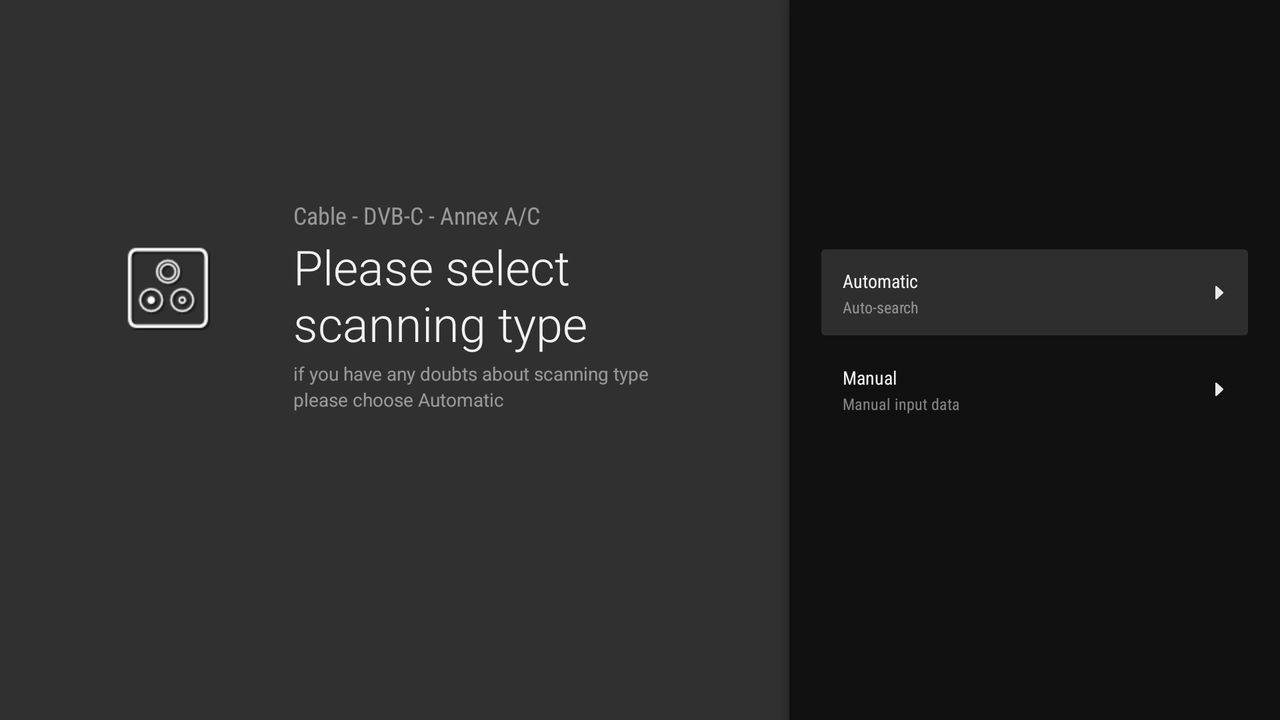
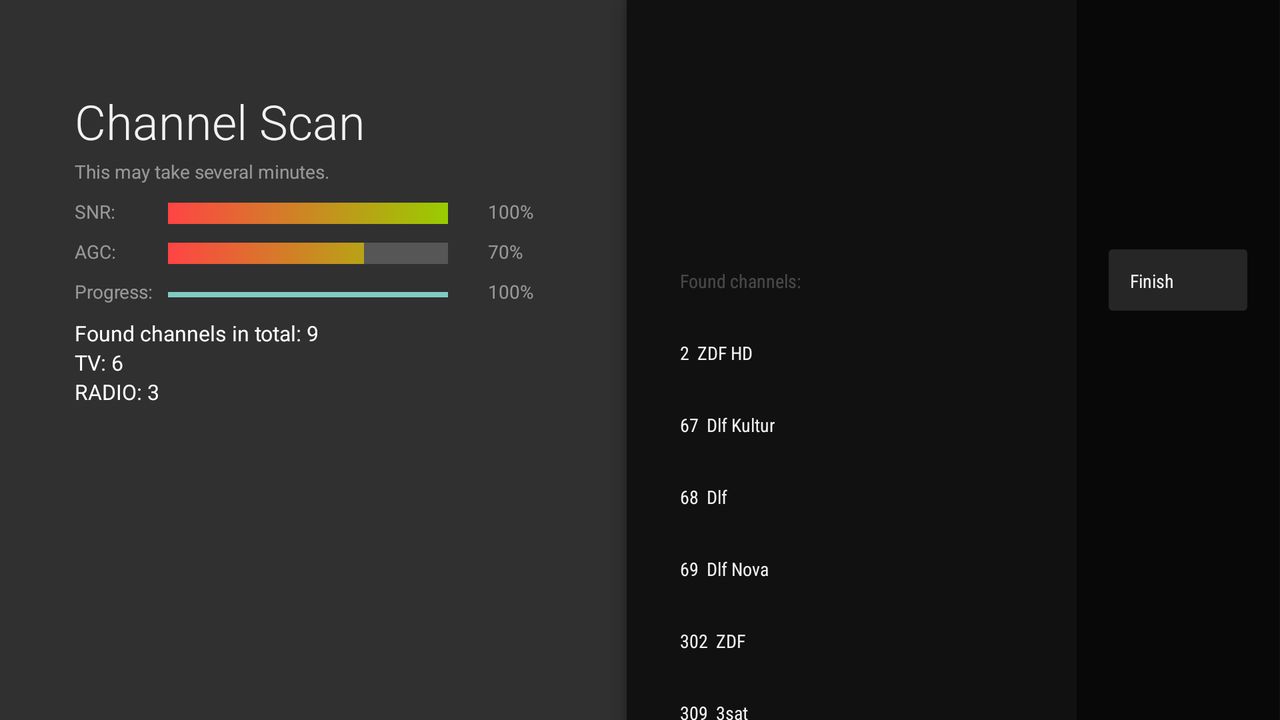
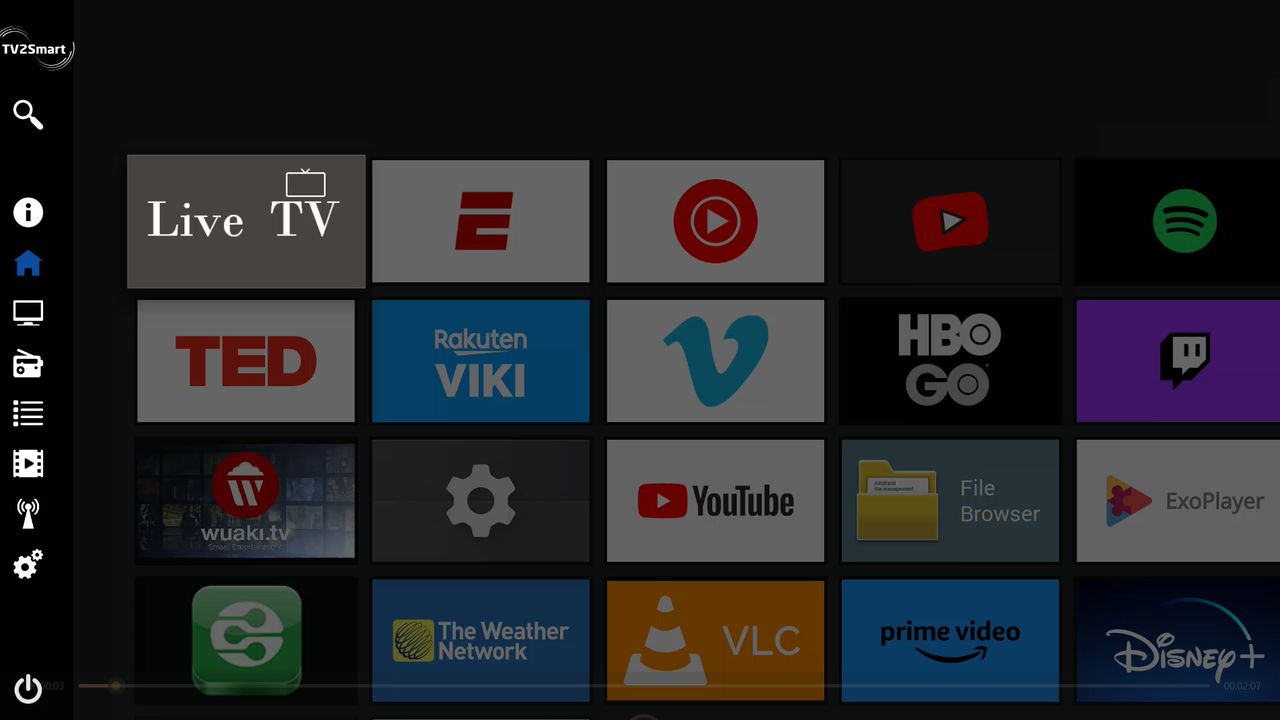
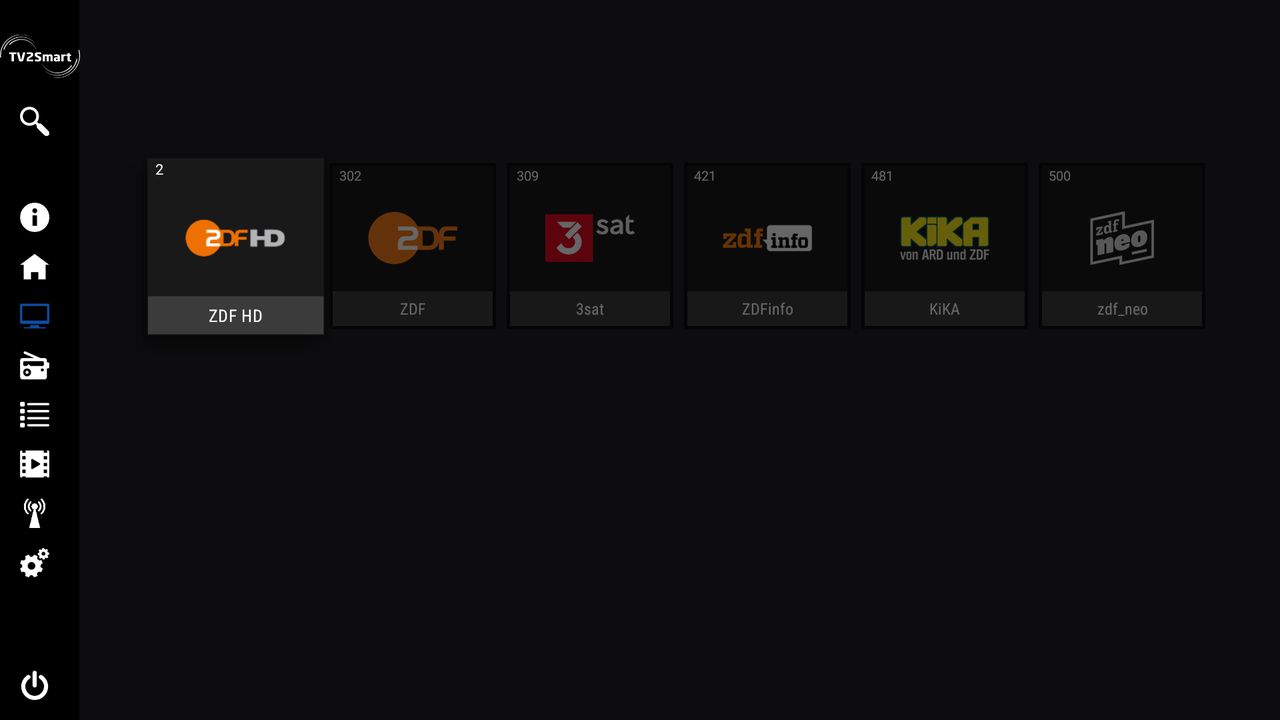
The customer plugs in the dongle and the app guides them through setup: tuner source, scanning type and multicast server. Their channels then appear next to their other apps. Screens from the TV2Smart app.
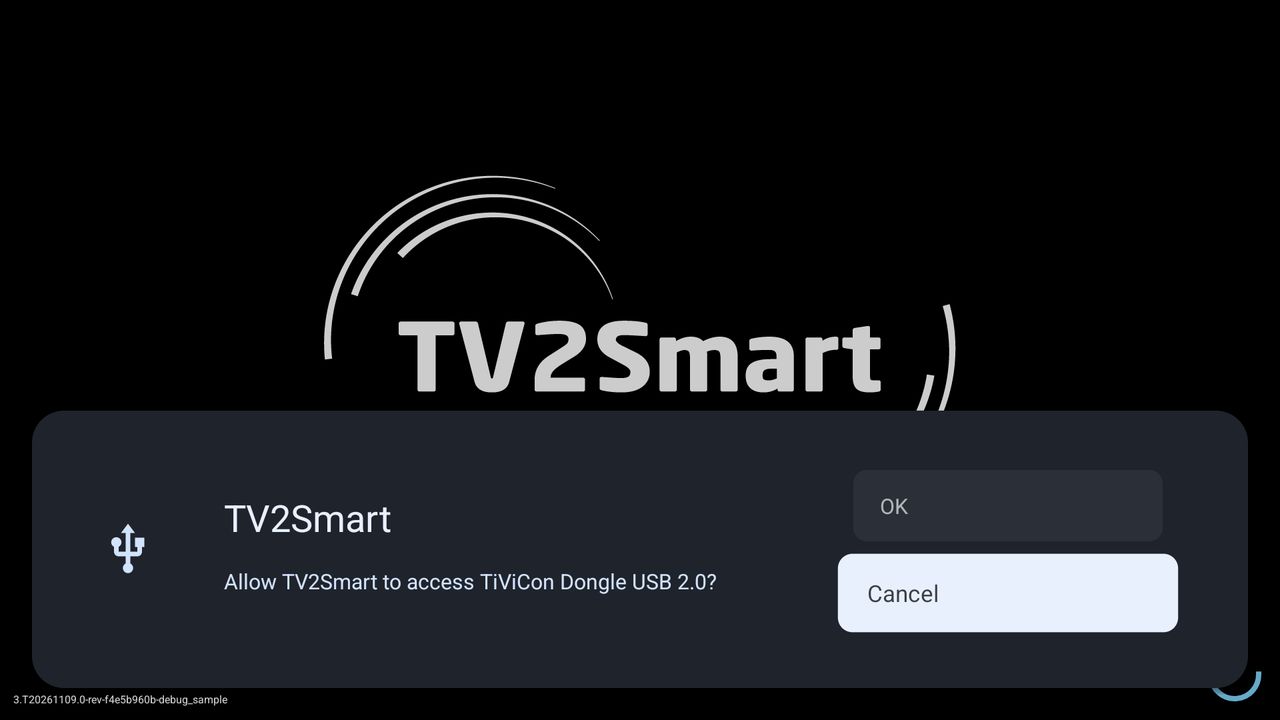
TV2Smart asking: Allow TV2Smart to access TiViCon Dongle USB 2.0?
Plug in the dongleAndroid asks once for permission to use the TiViCon dongle.
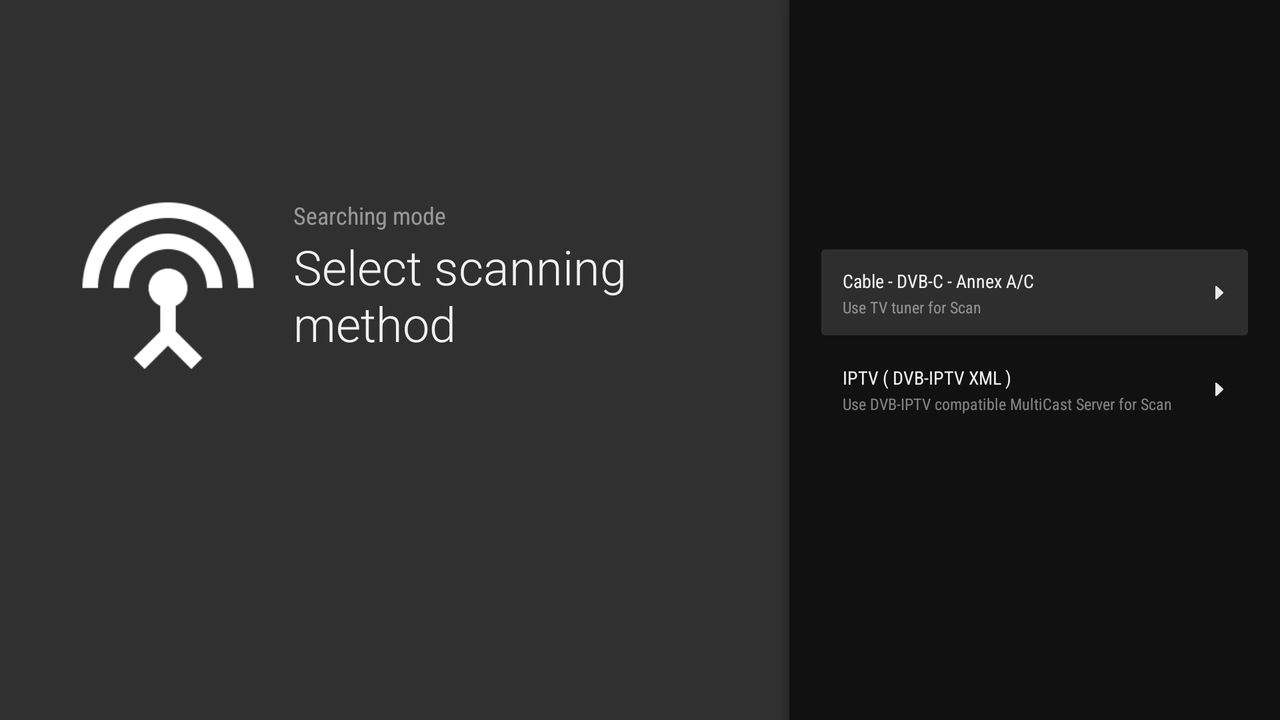
Select scanning method: Cable DVB-C Annex A/C, or IPTV from a DVB-IPTV XML multicast server
Choose the sourceCable DVB-C, or IPTV from a multicast server.
Select scanning type: Automatic or Manual
Choose how to scanAutomatic, or manual with frequency, modulation and symbol rate.
Channel scan with signal strength and quality bars and the list of channels found
Channel scanSignal strength, signal quality and the channels found.
Launcher with the Live TV tile next to streaming and other apps
Live TV with the other appsBroadcast channels sit next to the apps the customer already uses.
Channel grid with ZDF HD, ZDF, 3sat, ZDFinfo, KiKA and zdf_neo
ChannelsTV and radio channels from the scan.
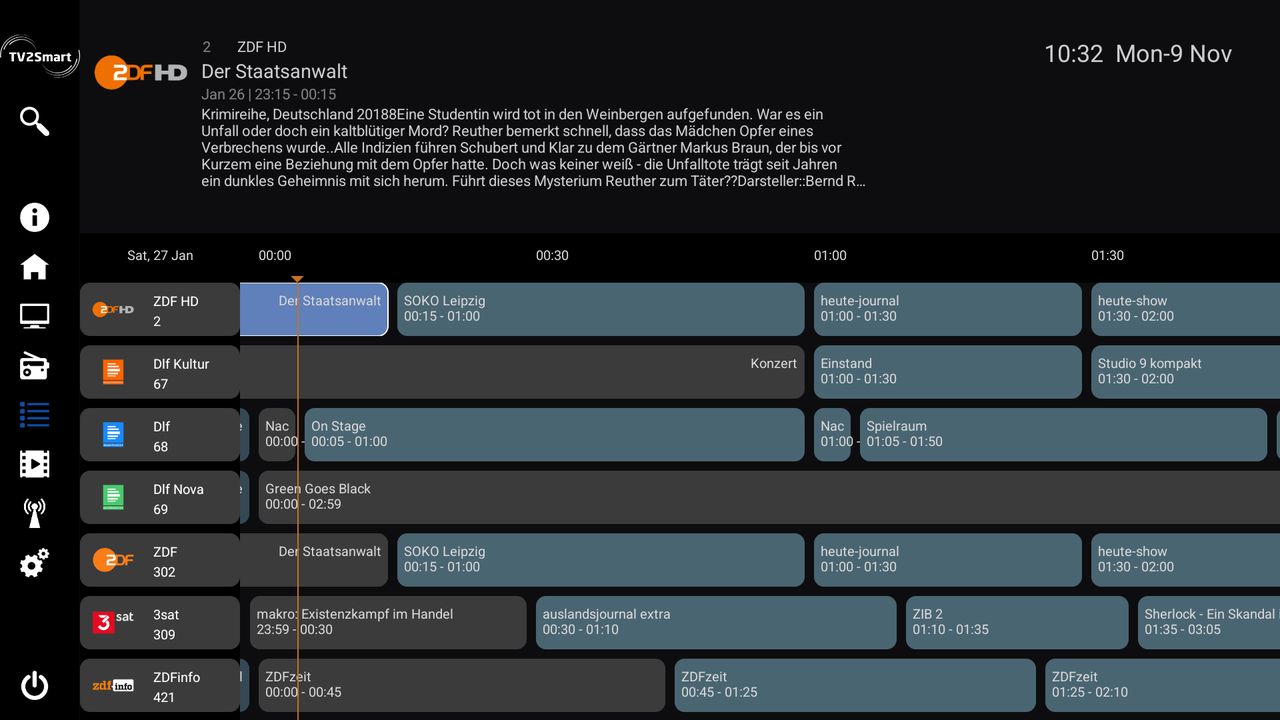
TV guide grid with the programme schedule for each channel
TV guideThe programme grid for every channel.
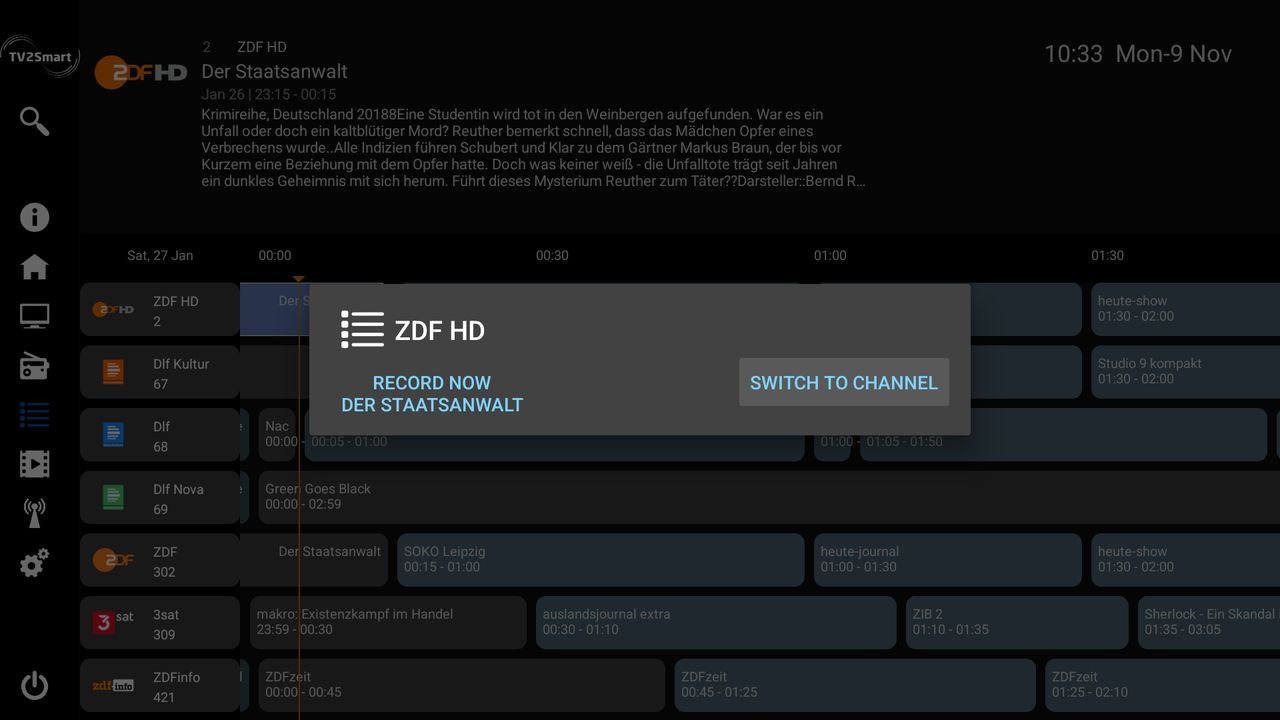
TV guide with a programme menu offering Record now and Switch to channel
RecordingRecord now, set a timer or switch to the channel from the guide.
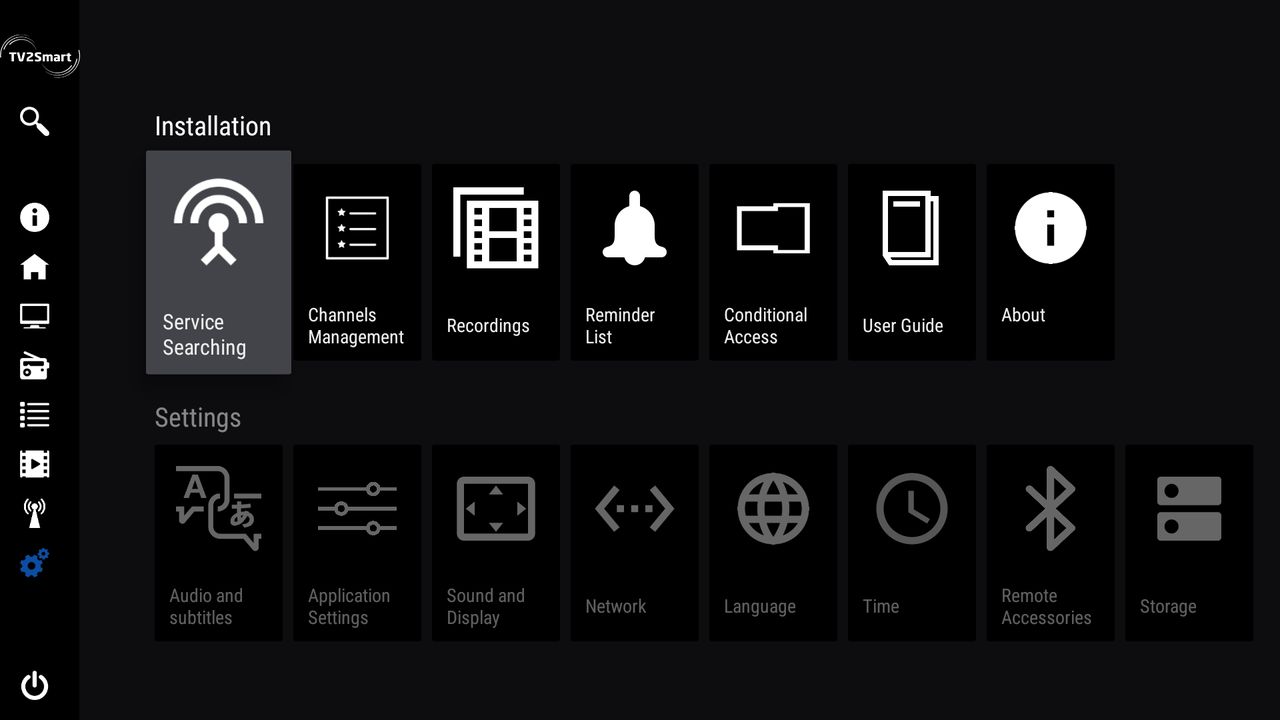
Installation menu with service searching, channel management, recordings, reminders and conditional access, above the settings menu
Installation and settingsChannel management, recordings, reminders and conditional access in one place.

Integrate the SDK

Contact our team for more information about integration.